Did you know?
You can use this command to clean up the iOS status bar before taking screenshots:
xcrun simctl status_bar booted override --time 09:41 --batteryState charged --batteryLevel 100 --cellularBars 4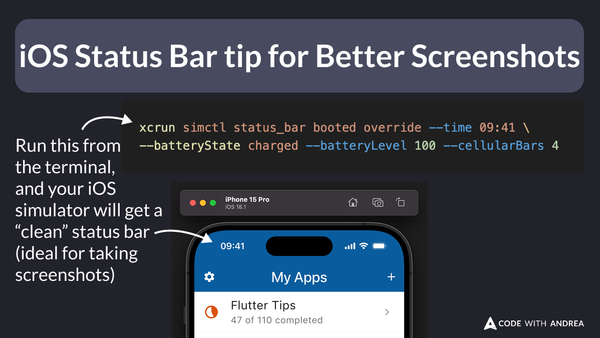
Then, you can take screenshots manually (CMD+S on macOS), or automate the process with Maestro.
Once you’re done, reset the status bar like this:
xcrun simctl status_bar booted clearHappy coding!